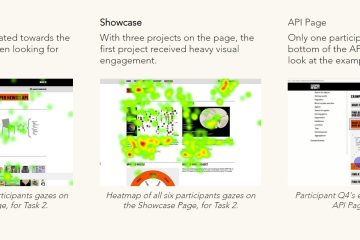
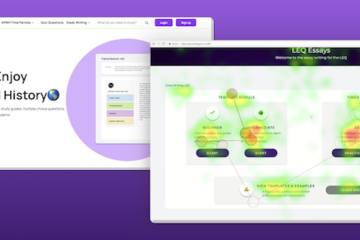
Students pair a qualitative eye-tracking usability study (6-10 members of your target audience) with a quantitative deep dive into data on existing users, using behavioral analytics data (like Google Analytics and HotJar) or surveys. This mixed-method approach will give you both a comprehensive and representative view of your users' interaction experience on-site.
Project Duration: Full semester (15 weeks)
Availability: Fall and Spring
Ideal For: Organizations that want to gain deeper insights into their users’ behaviors and pain points when interacting with a mobile- or desktop-based digital interface. For behavioral insights, you must be able to provide access to Google Analytics and/or install HotJar tracking code.
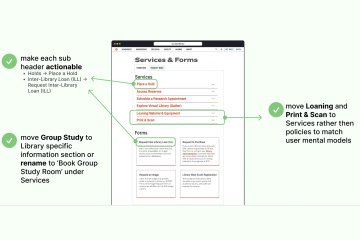
What You Get: A set of 2-4 usability reports with design recommendations and related documentation.
Project Process
01
Research Planning
Develop a tailored research plan outlining the study goals, scope, and structure, all based on each client’s specific needs, key objectives, and primary target audience(s).
02
Quantitative Deep Dive
Analyze existing user data, such as analytics (e.g., GA and/or HotJar) or survey data to identify site-level behavior trends and page-level behavior patterns. Exact method will vary depending on your goals.
03
Eye-Tracking
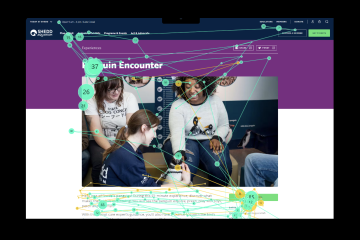
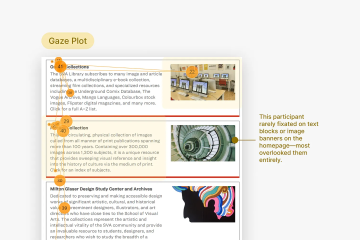
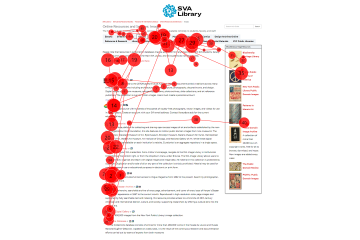
Conduct 6-10 moderated in-person usability testing sessions using advanced eye-tracking technology to capture precise visual data that captures where participants look and what they focus on.
Interested in Usability Testing with Eye-Tracking projects? Let us know!